Your download of code-realize.deskthemepack will start in 5 seconds …
If your download does not start click here to start the download code-realize.deskthemepack
How to install theme
- Save the theme in a preferred folder on your computer
- Double-click on the deskthemepack file and it would be installed on your Windows PC
- After installation open personalization control panel for additional theme settings
- Enjoy your favorite theme
- code-realize.deskthemepack can be used in Windows 11 / 10 / 8 (8.1)
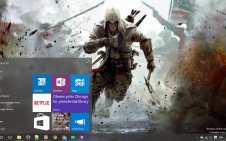
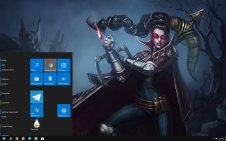
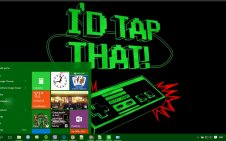
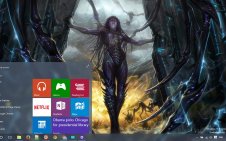
- Code: Realize Theme contains 19 HD walpappers